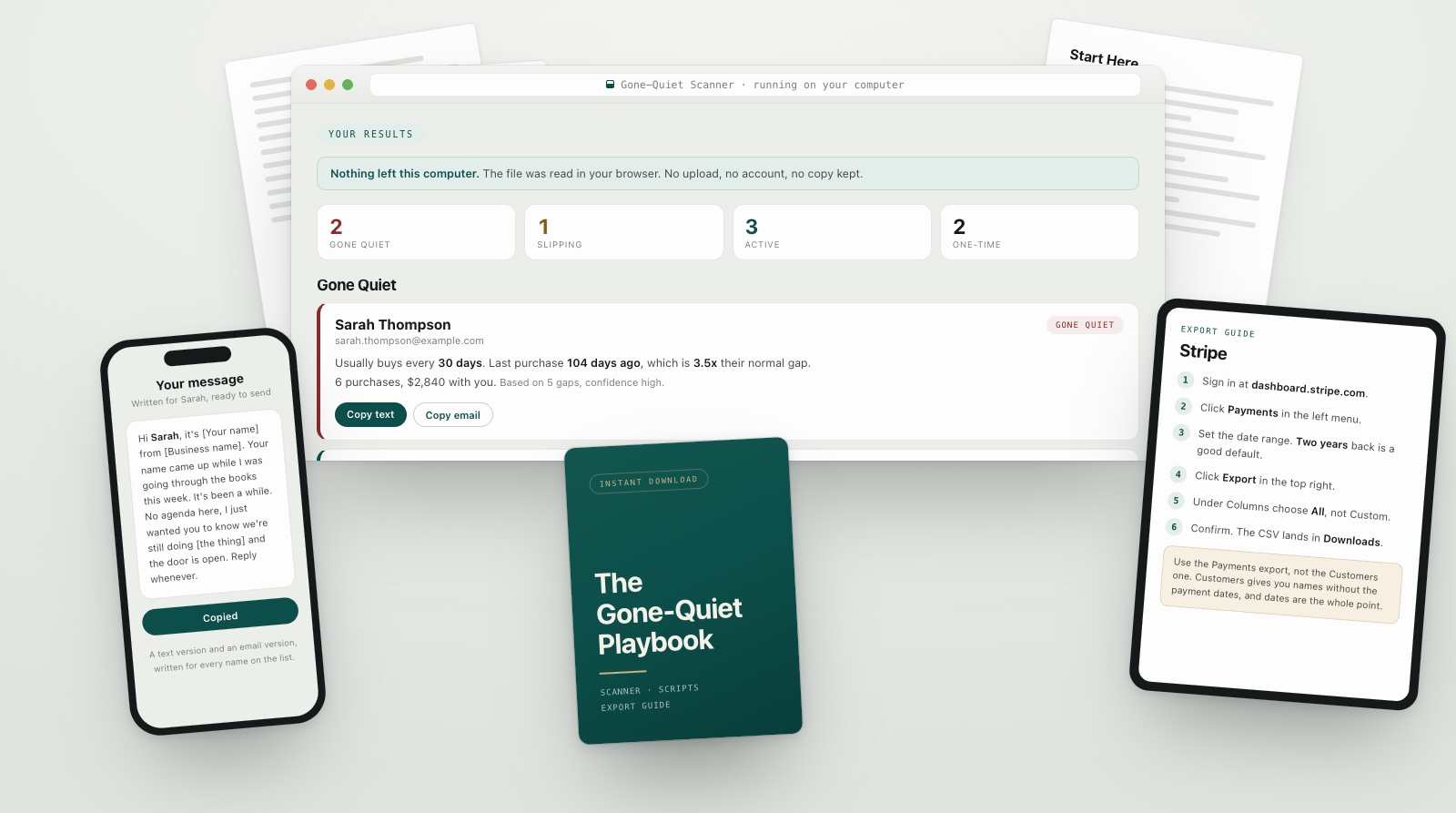
Sarah Thompson
Gone quiet- Usually buys every
- 30 days
- Last purchase
- 104 days ago
- Against her normal
- 3.5x past it
The Gone-Quiet Scanner reads your past transactions and shows you which repeat customers have gone unusually long compared with their own normal buying pattern. Not a list of everyone who has been quiet a while. The ones who are genuinely out of character.
Works with CSV exports fromStripeGoHighLevelSquarePayPalQuickBooks
Payments somewhere else? Any export with a customer, a date and an amount will run.
If it does not give you a clear read on your own customers, email us and we refund it.
Instant download. Works with any CSV payment export that has a customer, a date and an amount: Stripe, GoHighLevel, Square, PayPal, QuickBooks.
The part nobody warns you about
An angry customer calls. A disappointed one replies and says why. The customers who cost you the most do neither. They just stop.
There is no cancellation to react to and no complaint to fix. Four months later you are staring at a flat month running through explanations, and the record of exactly who left has been sitting in your payment account the whole time. Almost nobody opens it, because opening it has always meant an afternoon of spreadsheet work.
What it actually does
Some of your customers buy every three weeks. Some buy once a year and that is perfectly healthy. A tool that flags everyone quiet for ninety days will hand you a list that is half people who never left.
The scanner looks at each repeat customer’s actual buying history and works out what normal looks like for that person. Then it shows you who has gone unusually long against their own pattern, and how far past it they are.
If it does not give you a clear read on your own customers, email us and we refund it.
Two ways to run the same business

Without this
Revenue dips and you reach for an explanation. You cannot check any of them, so you pick the one that feels right and act on it. The work that feels most productive is chasing strangers at full price, which is also the most expensive work there is. Meanwhile the people who already trusted you enough to pay once are drifting off quietly, and you will find out eventually, as a bad quarter.

With this
You drop one file onto a page on a Tuesday morning. There they are, sorted, the most out of character at the top, with what each one used to be worth beside their name. You pick three, copy three messages that are already written, and close the laptop. You know something about your own business you did not know an hour ago.
How it goes
Download your payment history as a CSV file. The guide has the exact clicks for Stripe, GoHighLevel, Square, PayPal and QuickBooks. Do not tidy it up. The raw export is what the scanner wants.
Open the scanner and drag your CSV onto it. The link in your delivery email opens it in your browser, and the copy in your download works the same way with no internet at all. It sorts your payments into customers itself, ignores charges that failed, and tells you if it skipped anything and why.
Four groups: Gone Quiet, Slipping, Active, and One-Time Buyers. Each name carries the evidence behind its verdict, so you can disagree with any of them.
Every person has a copy button for a text and an email. When someone needs a different angle, the script pack covers the four reasons people actually stop buying.
If it does not give you a clear read on your own customers, email us and we refund it.
Your data
The scanner is a single file that runs in your own browser. There is no account, no upload and no server that ever sees your customers. You can turn off your wifi before you drop the file in, and it works exactly the same.
That is not a policy we are asking you to trust. It is how the thing is built, and disconnecting is how you check.
If you want a hand
The Playbook is completely do-it-yourself. Your customer file stays on your device.
After you buy, you will also have the option to fill in a short Owner Profile and ask for a working session, if you would rather have help working out what to do next.
Completely optional. The Playbook does its job either way.
Everything in it
Drop your CSV payment export in and it shows you who has drifted, who is slipping, who is fine, and who only ever bought once. Every verdict comes with the history behind it. Runs in your browser, on your machine, with nothing to install.
Word for word, by email, text and direct message, for the four reasons people actually stop buying, with a test for telling which one you are in. Written to sound like a person who noticed, not a business running a campaign. None of them open with an apology and none of them offer a discount to come back.
The exact screen and button for Stripe, GoHighLevel, Square, PayPal and QuickBooks, including which export to use and which one looks right but is not.
Five steps from opening the zip to sending your first message, plus what to do with each of the four groups once you are looking at them.
$27
One payment. Nothing renews, nothing rebills, no subscription is attached to this.
If it does not give you a clear read on your own customers, email us and we refund it.
From the community
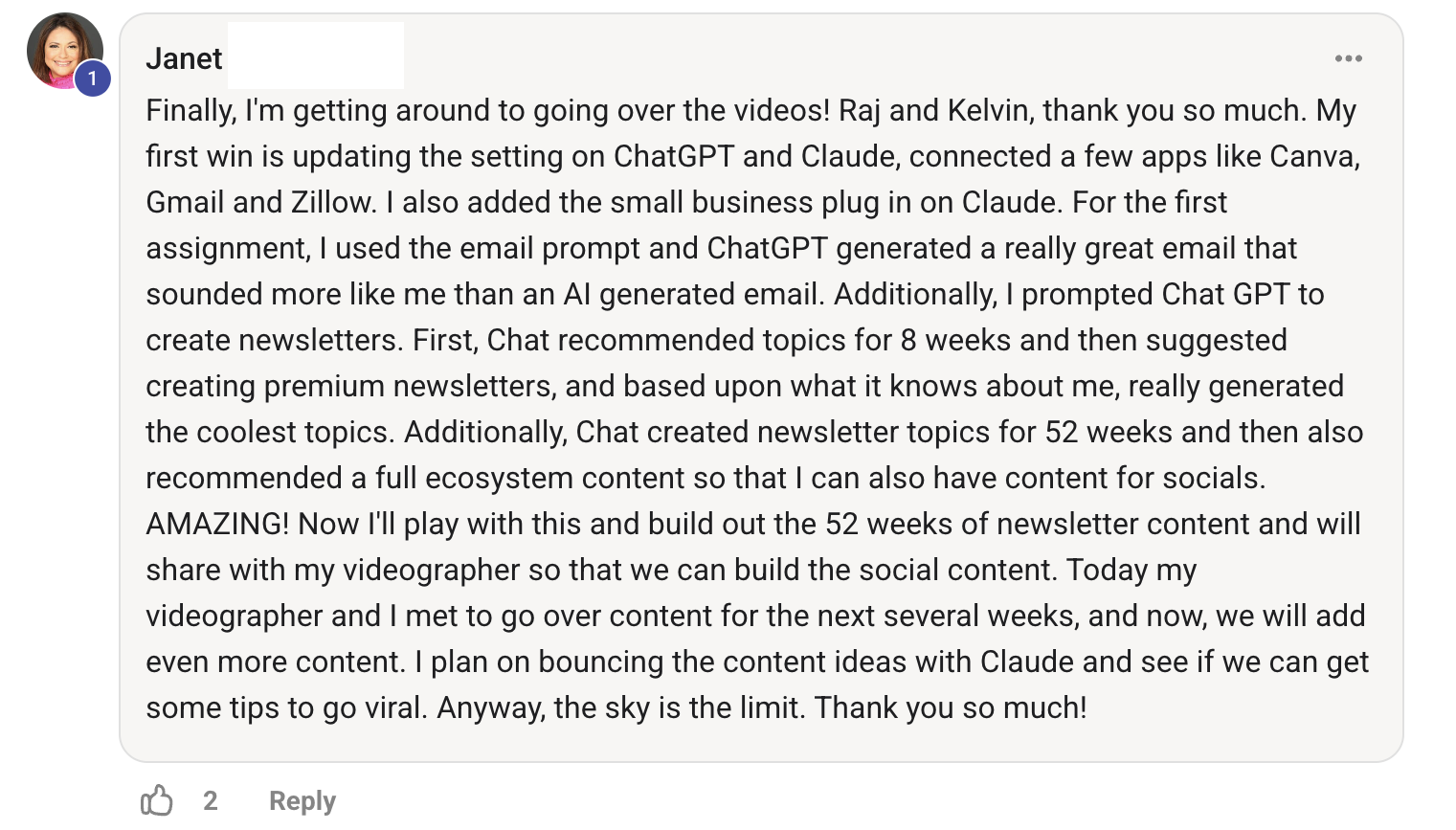
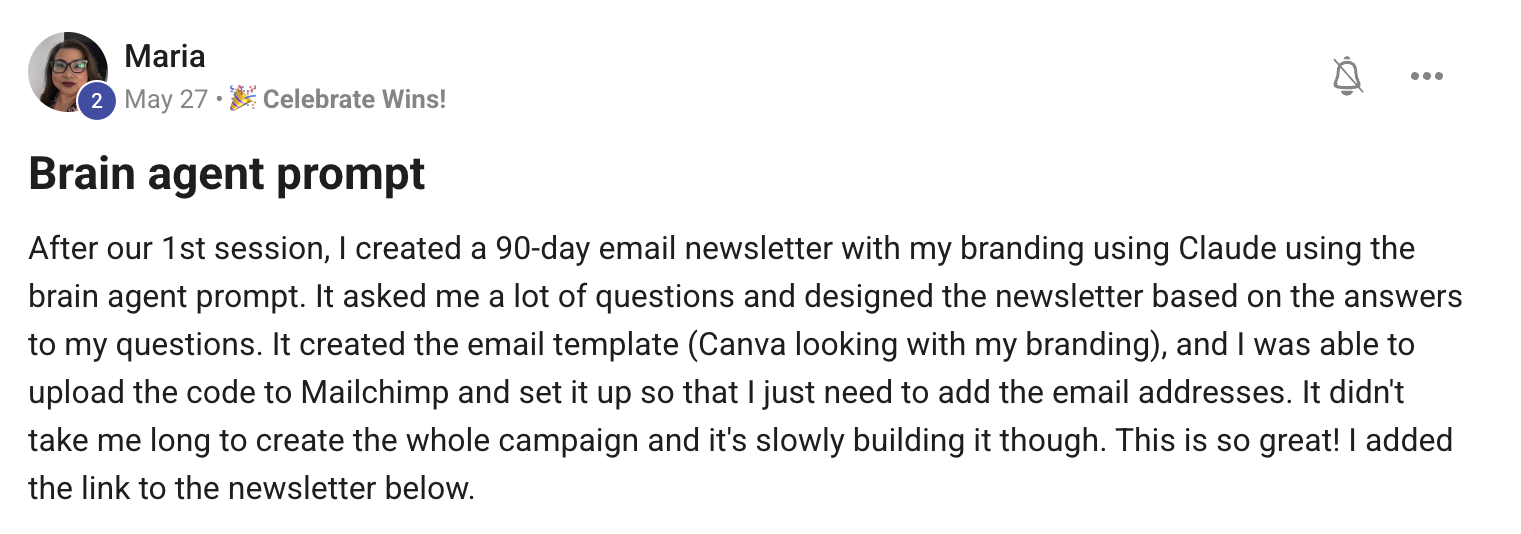
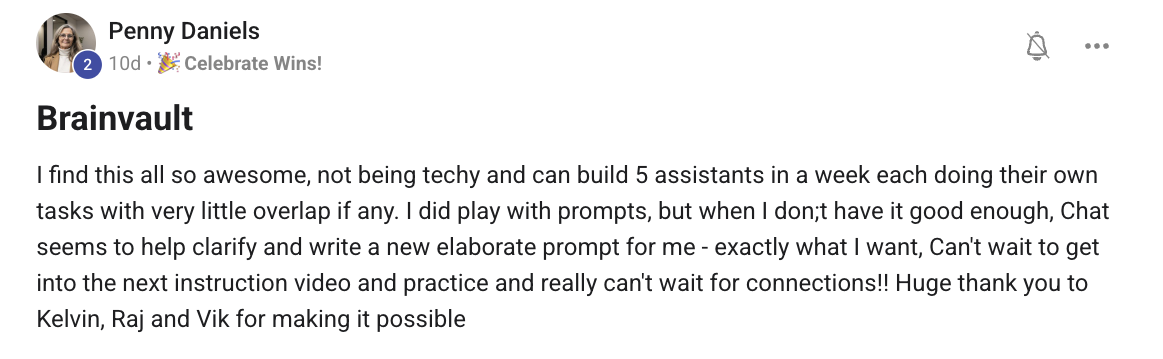
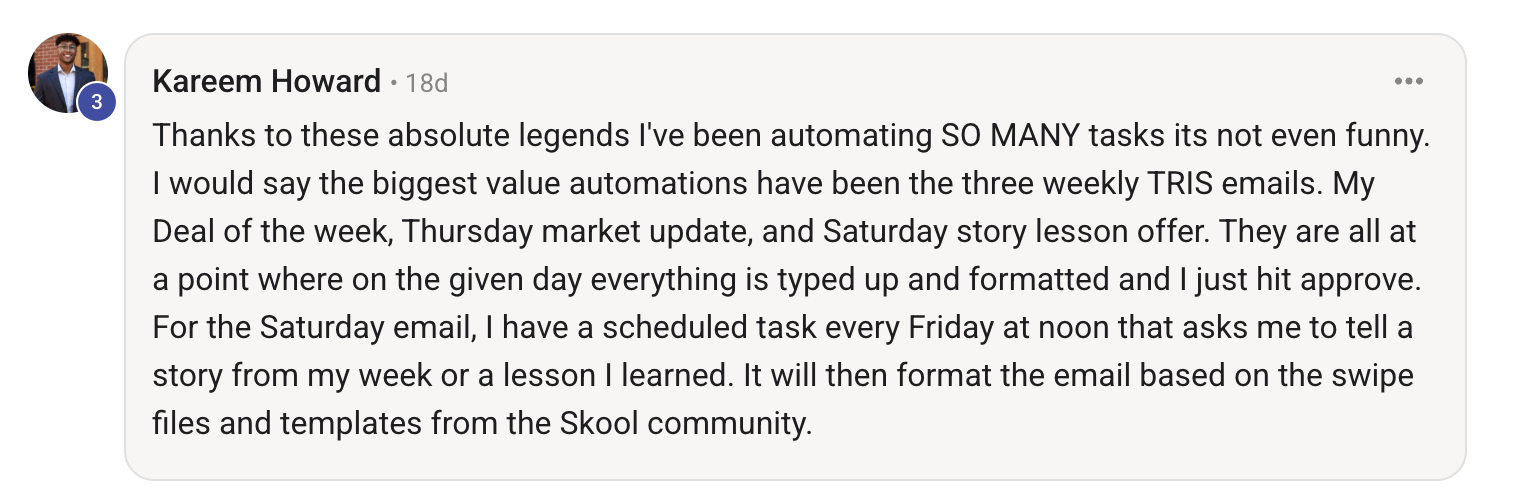
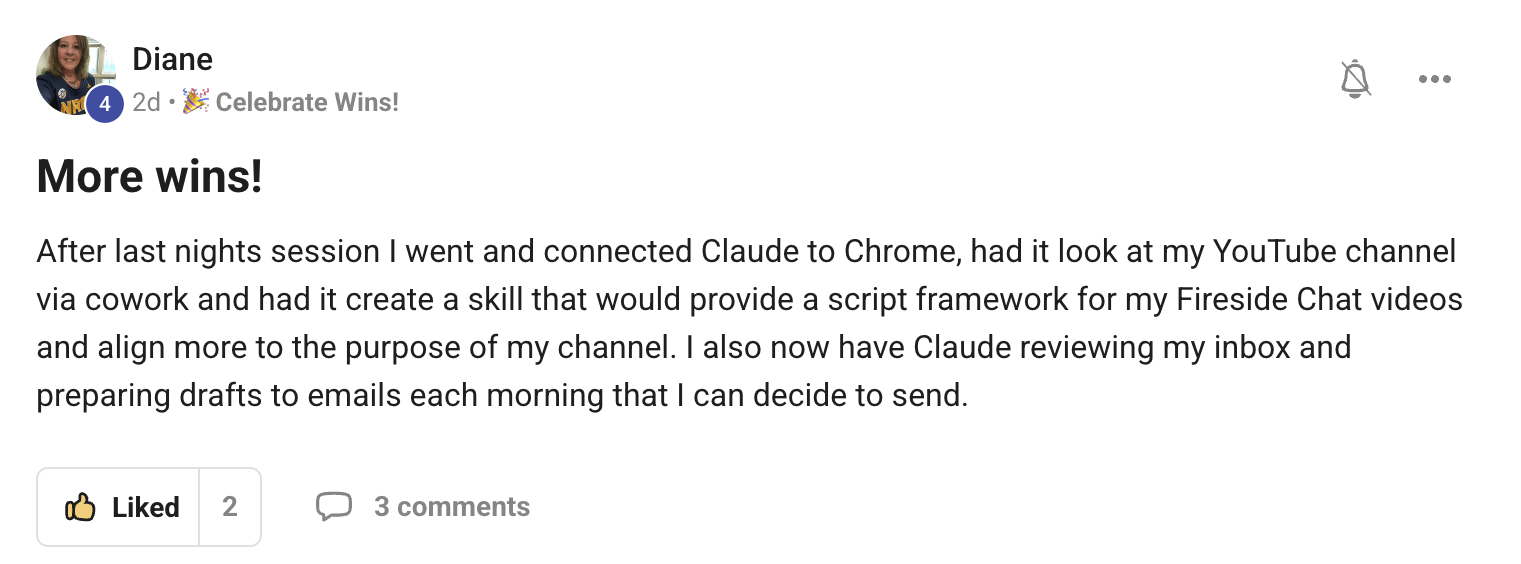
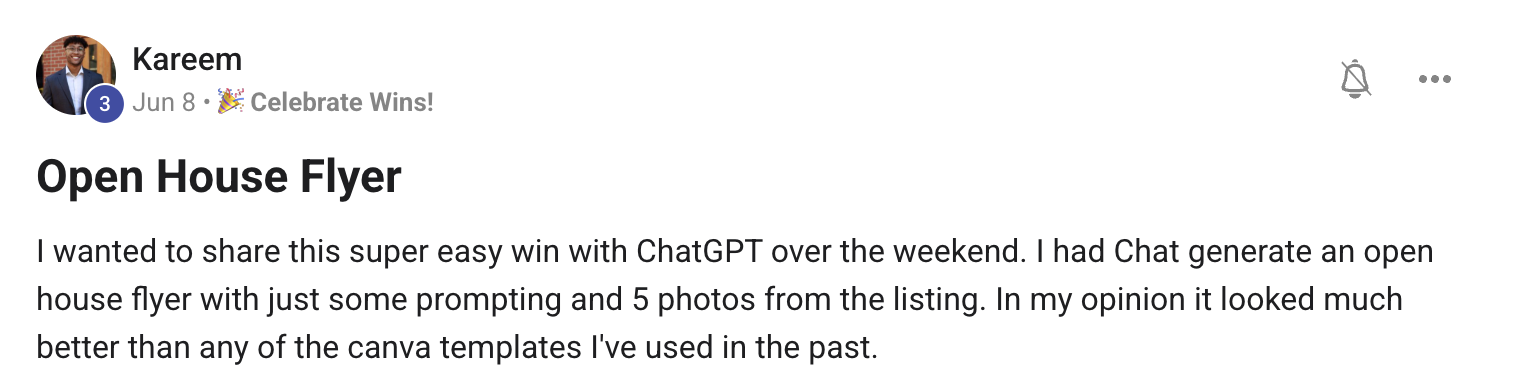
Read these for what they are. They are members of our community talking about work they did with us, not about this specific scanner, which is new. We would rather show you real ones and tell you what they cover than dress up something that has not happened yet.
The guarantee
Run your payment history through the scanner. If it does not give you a clear picture of who has drifted, who is slipping and who is not actually overdue, email support and we refund you the same day we see it. No form and no argument.
Note what that does and does not promise, because we are not going to blur it. It might tell you nobody has drifted. That is a real answer and a good one: it means the customers you have are still buying, and you can go spend your energy on new ones with a clear conscience. What we guarantee is that you will know. Whether there is somebody on that list is decided by your business, not by us.
Before you ask
If it does not give you a clear read on your own customers, email us and we refund it.